Credit Card
Forgot Your Wallet? Pay Easily with AU Visa Credit Card on Google Pay or Samsung Pay

Table of contents
In today’s fast-paced world, forgetting your wallet doesn’t have to stop you from making payments. With AU Visa Credit Cards, you can now use Google Pay or Samsung Pay to make secure contactless payments anytime, anywhere — no physical card required.
How It Works
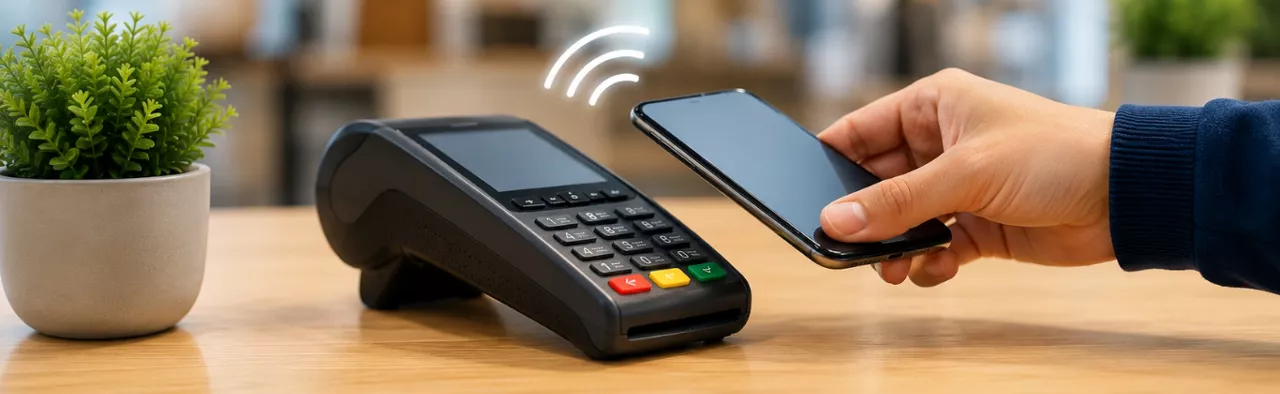
By adding your AU Visa Credit Card to your mobile wallet, your smartphone becomes your payment tool. Simply unlock your phone, open the app, and tap at any NFC-enabled POS terminal. In fact, you don’t require an OTP for payments under ₹5000! Your payment is complete in seconds, just like using your physical card.
Benefits of Using Mobile Tap & Pay
- Convenience: Make payments instantly without carrying your card.
- Security: Your card details are tokenized, keeping your information safe.
- Accepted Widely: Works wherever contactless payments are supported — stores, restaurants, supermarkets, and fuel stations.
- Seamless Tracking: All transactions are recorded in the app for easy tracking and management.
Get Started in Minutes
- Open Google Pay or Samsung Pay on your NFC-enabled Android smartphone
- Add your AU Visa Credit Card by entering details manually or scanning your card
- Complete the verification via OTP
- Start making contactless payments with a simple tap!
Why This Matters
With Tap & Pay, forgetting your wallet is no longer a problem. It allows you to stay in control of your payments, enjoy a seamless checkout experience, and maintain the same security standards you expect from AU Visa Credit Cards.
T&C applied. Only applicable on NFC enabled android mobile phones.

People with similar interests also read: