
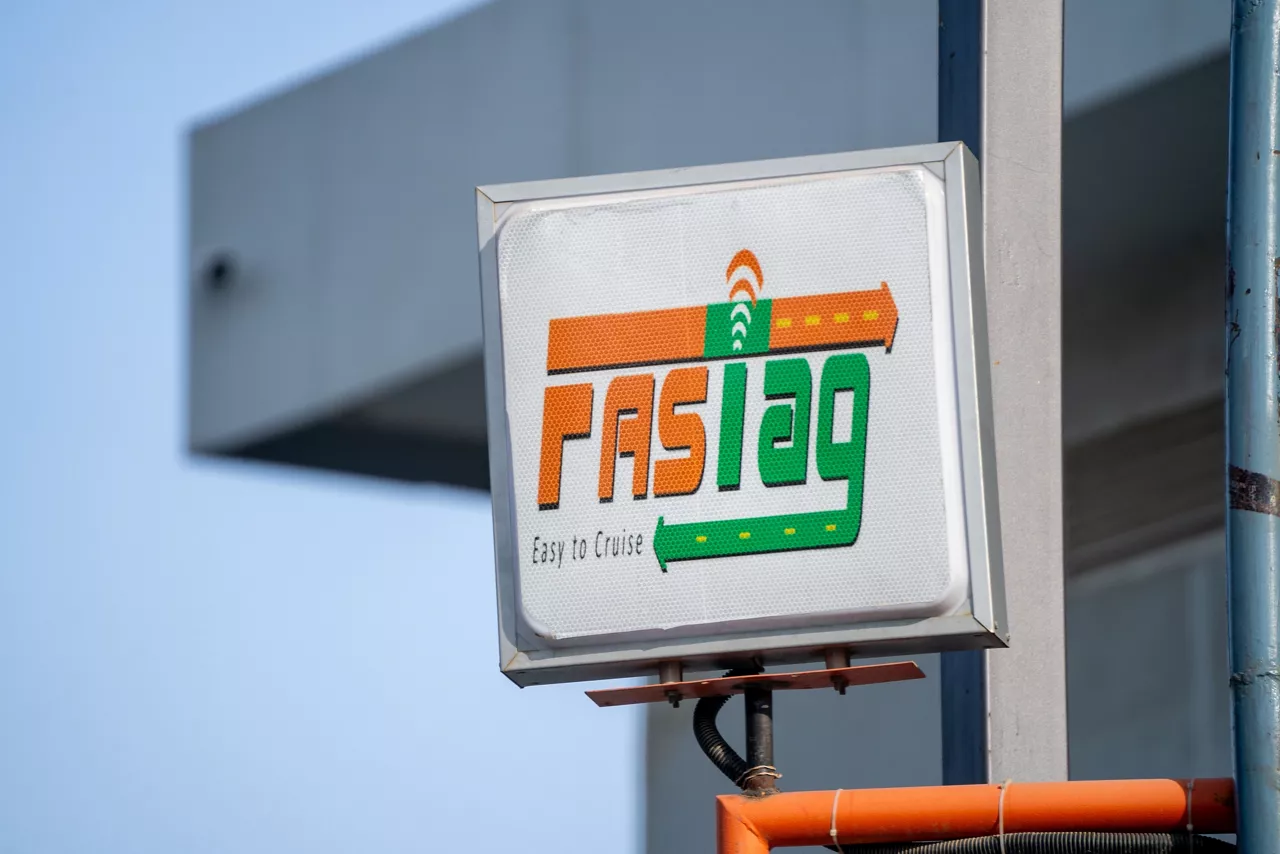


Cashless Payment
No cash payment is required and the hassles of carrying exact change are eliminated. The tag uses Radio Frequency Identification (RFID) technology for electronic payments

Wide Coverage
The NETC FASTag program is active at toll plazas across the country

Instant SMS Alert
An instant SMS alert is sent to your registered mobile number after the payment is made. You also get alerts on low balance so you can recharge on time

Easy FASTag Recharges Online
You can recharge your FASTag on the AU 0101 App with UPI or via the FASTag customer portal using credit card, debit card or through any UPI enabled Mobile App

Online Management
Track your spends/download statements etc., through our AU FASTag customer portal
Things to know
How to apply
NETC FASTag can be used by existing customers as well as non-AU Small Finance Bank customers. Apply online for FASTag with AU Small Finance Bank by following the steps given below:
- Visit our NETC FASTag page and click on Apply now.
- Enter your mobile number, vehicle registration number and other personal details.
- Upload the VC4 Registration Certificate (RC copy).
- Generate and enter a one-time password (OTP) to Submit.
- Pay the fees, and your FASTag will be assigned.
You will receive a FASTag at the address mentioned in the form within a few days. You can then paste it on your windscreen from inside the vehicle and pay electronically at a toll plaza.
Documents Required
- For full KYC FASTag issued at our branches:
- Signed FASTag application form with passport size photograph of the applicant
- Registration Certificate (RC) of the vehicle
- Valid driving license of the applicant (not applicable for existing customers with a Savings or Current Account)
- KYC document of the driver (in case of a corporate application)
- Board Resolution Approval Letter (in case of a corporate application)
- For minimum KYC FASTag issued at AU Small Finance Bank Branches/Online:
- Registration Certificate (RC) of the vehicle
- PAN Card of the applicant
- Valid driving license of the applicant (only DL number & DL validity date to be mentioned)
- Signed FASTag application form with passport size photograph of the applicant (if purchased from a branch)
Grievance Redressal
Filing grievances and raising complaints is easy. MoRTH/NHAI/IHMCL has launched a helpline number for FASTag complaints at a toll plaza level. You can dial 1033 from a mobile phone or landline for any of the following issues you might have with your tag at a toll plaza:
- Stopped at a plaza because of tag blacklist even though your tag is not blacklisted.
- The toll plaza is not accepting your FASTag.
- Toll plaza not being able to read your tag.
- The toll plaza is not supporting monthly pass issuance.
In case of any other FASTag related queries, you can:
- Call our helpline number at 1800-1200-1200.
- Write an email to customercare@aubank.in.
You can also contact our Regional Nodal Officer(s) if your query is not resolved within seven days or the Principal Nodal Officer after another seven days.
Please click here for more information.
To see the list of Toll plazas currently enabled for FASTag, please click here.
For Terms & Conditions, please click here
For the Schedule of charges, please click here
For Frequently Asked Questions, click here.
Customer Care:
For any assistance, please call our helpline 1800-1200-1200 or write to us at customercare@aubank.in.

Why AU
-

National presence
Bank with us through a network of 2,900+ touchpoints .
-
Get a bit more
Enjoy quality services at competitive rates.
-
Visit branches without the wait
Our ample touchpoints ensure all our customers are conveniently served.
-
Superfast app
Manage and track all your transactions on the AU 0101 App.
-
Sustained growth
Expanding by every quarter, with a balance sheet of over ₹1 lakh crore.
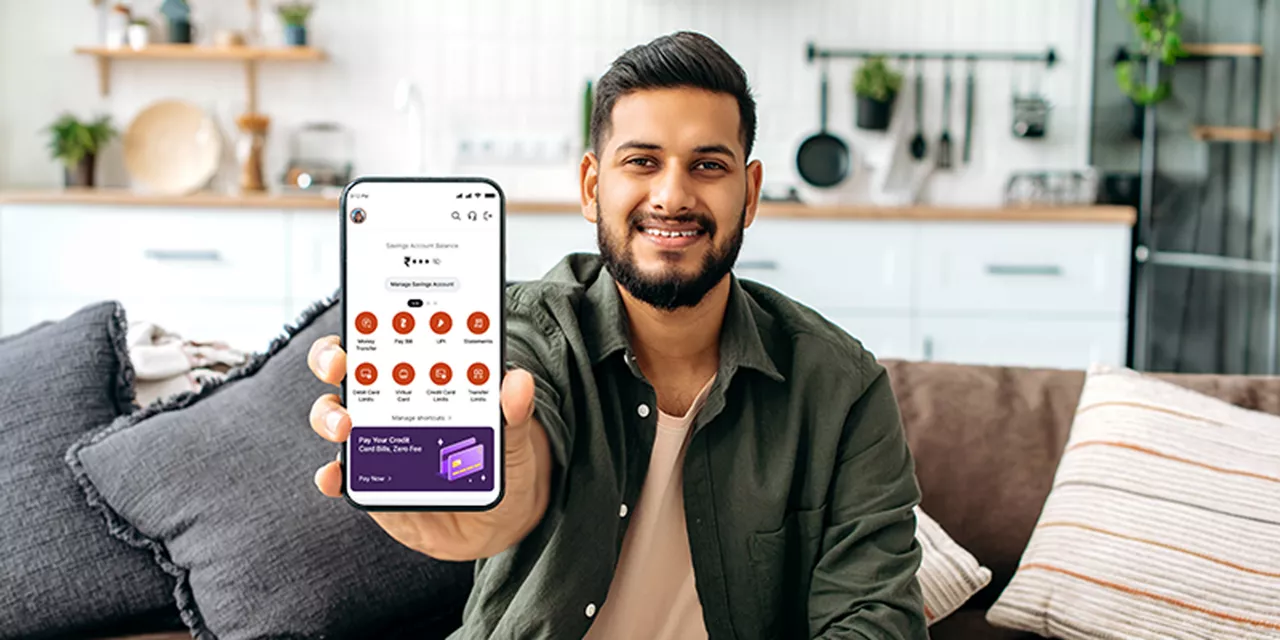
Bank anywhere anytime, on the AU 0101 mobile app
-
![View balance and transactions]() View balance and transactions
View balance and transactions
-
![Download account statement]() Download account statement
Download account statement
-
![Request cheque book]() Request cheque book
Request cheque book


 40+ lakh customers banking on app
Not sure which product is right for you?
-
![]() Personal assistance
Personal assistance
-
![]() No spam
No spam


Customer support
24x7 help

Frequently Asked Questions (FAQs)
How do I check my NETC FASTag wallet balance?
To know the balance in your AU Small Finance Bank FASTag wallet, please call our helpline 1800-1200-1200or write to us at customercare@aubank.in.
How do I recharge my NETC FASTag wallet?
You can recharge your NETC FASTag through either of these three ways:
- AU 0101 App via UPI
- Log in to your AU 0101 App and tap on ‘BHIM UPI’
- Tap on Send Money
- Enter Payee UPI ID and tap on Payee Name. Your payee UPI ID would be netc.vehiclenumber@aubank (For instance. Payee UPI ID would be netc.mh02ay1234@aubank if your registered vehicle no. is MH02AY1234)
- Enter the amount for recharge and remarks and tap on 'Next'
- Confirm your details and tap on Proceed
- Enter your MPIN and complete your payment
- Any BHIM UPI enabled Mobile App
- Open any UPI enabled mobile app like Google Pay or PhonePe
- If you are using Google Pay: Tap on ‘New Payment’ and select ‘UPI ID’ If you are using PhonePe: Tap on ‘To Contacts’, then tap on the ‘+’ sign at the RHS bottom, and select ‘BHIM UPI ID’ to add BHIM UPI ID
- Enter Payee UPI ID and tap on 'Verify'. The payee’s name will auto-populate. (Payee UPI ID would be netc.mh02ay1234@aubank if your registered vehicle no. is MH02AY1234)
- Enter the amount for recharge and your remarks.
- Select the bank account and tap on 'Send'
- Confirm your UPI Passcode to complete your payment
- FASTag Customer Portal
- Login to Customer Portal with the username and password sent to your registered mobile number.
- Click on 'Reload'
- Select Payment Mode (Debit Card, Credit Card, NetBanking)
- Enter the recharge amount
- Click on 'Proceed' to complete your payment
- FASTag recharge through BillPay
- Go to BillPay option.
- Click FASTag recharge option.
- Select the AU Small Finance Bank FASTag .
- Enter your Vehicle Registration Number.
Click on 'Proceed' and enter the recharge amount
How do I activate auto debit facility from my AU Small Finance bank account for FASTag?
Your AU FASTag wallet can be set for an Auto-Sweep (Recharge) with a pre-defined amount from your AU Small Finance Bank Savings & Current Account.
Steps to enable the Auto- Sweep Recharge:
- Log in to AU Small Finance Bank FASTag Customer Portal - https://aufastag.aubank.in/Account/BankLogin with your Username and password (if you do not have username & Password Use forgot username & Password Options)
- Click on “Auto sweep” option on the “Menu” tab.
- Click right to Enable.
- One time OTP sent to your registered mobile number.
- Enter one-time OTP.
- Enter AU Small Finance Bank account number and amount for Auto Recharge
- Click on submit button
- Auto-Recharge would be set successfully.


